5 Signs Your VR Headset Fit Is Actually Sabotaging Your Workout
Quick Answer: A poorly fitted VR headset causes fogging, tracking drift, and early workout fatigue that have nothing to do with your actual fitness level — most of it traces back to strap tension, face gasket seal, and weight distribution, all of which are adjustable and worth fixing before blaming your effort or endurance.
Sign 1: You’re constantly pushing the headset back up mid-workout
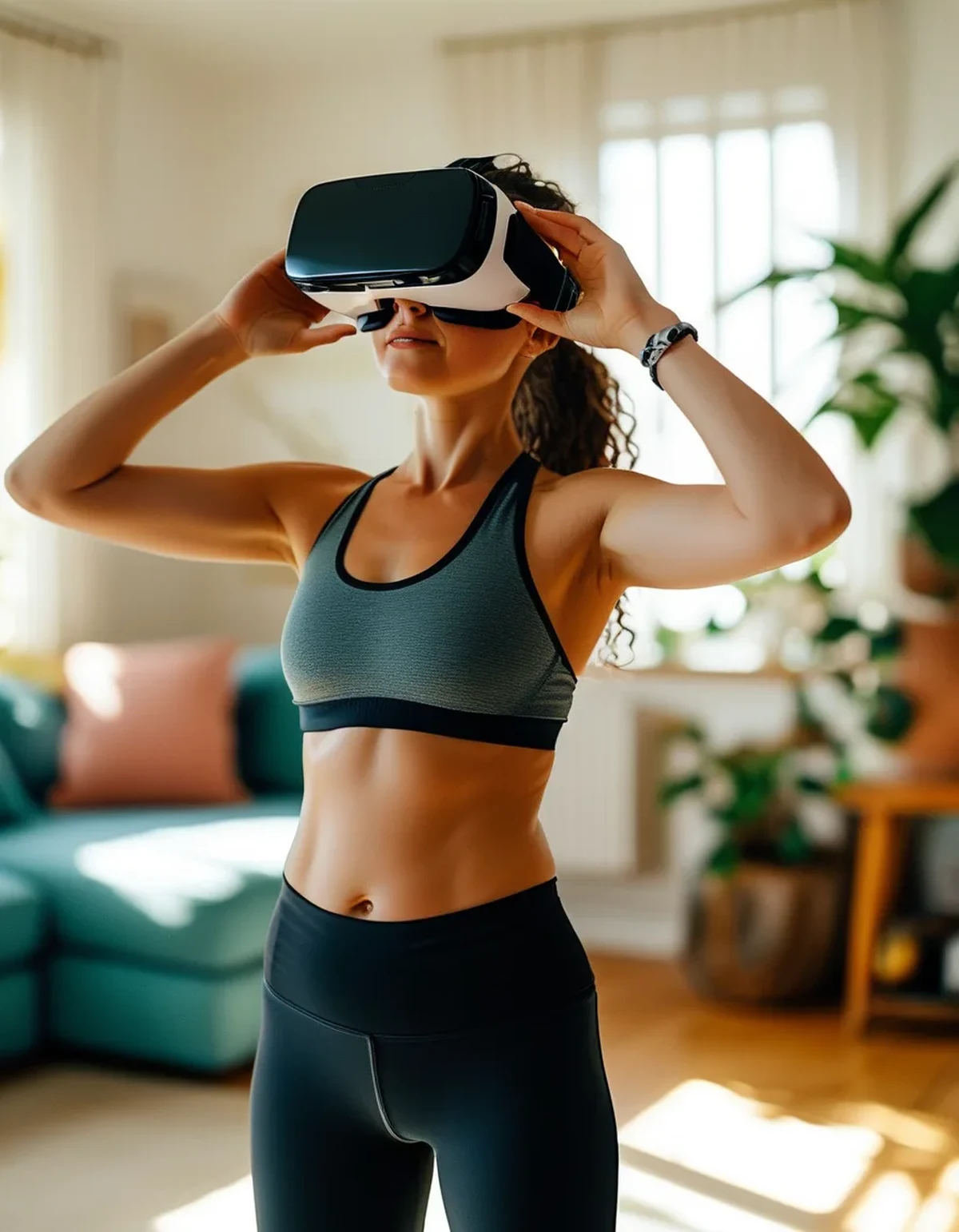
If you’re repeatedly readjusting the headset during active movement, the top strap likely isn’t providing enough support relative to the face-forward straps, putting too much weight on your nose and cheeks instead of distributing it across your whole head — tightening the top strap specifically (not just the side straps) usually solves this within one adjustment session.
Sign 2: Your face feels hot and sweaty within the first five minutes
Excess heat buildup this fast usually means the face gasket foam is sealing too tightly against your skin, trapping heat with no airflow — a slightly looser fit, or a swappable moisture-wicking facial interface (many headsets have aftermarket options), reduces this significantly without compromising the visual seal that keeps light out.
Sign 3: The picture blurs or the tracking feels ‘off’ during fast movement
This is often mistaken for a hardware or software issue, but a loose or shifted headset changes the lens-to-eye distance, which blurs image clarity, and can also throw off inside-out tracking cameras if the headset has shifted position on your head — a snug, centered fit (checked before starting, not adjusted mid-session) usually resolves both.
Sign 4: You get a headache that starts at your temples specifically
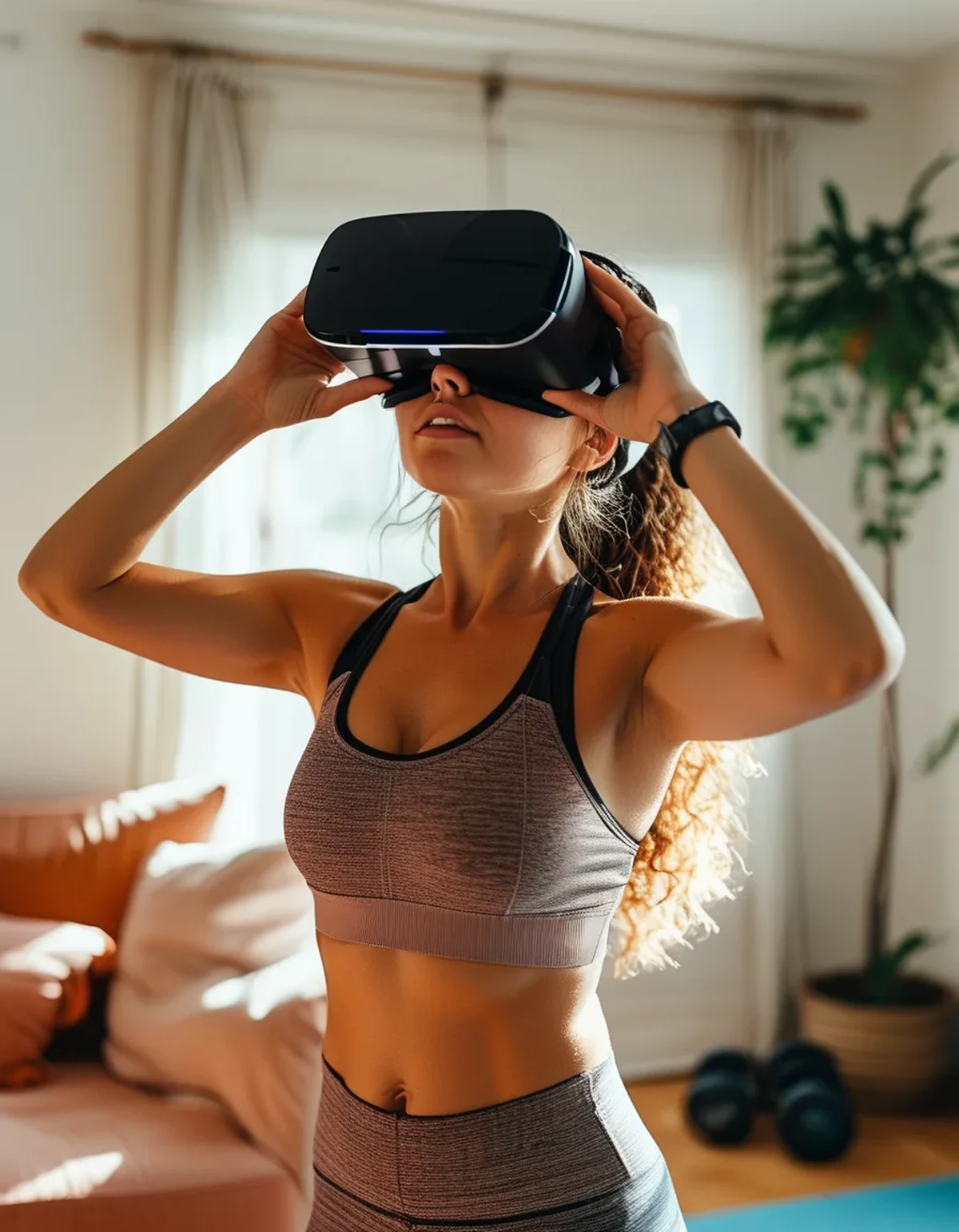
A temple-specific headache (as opposed to general fatigue) is a fairly reliable sign of excess side-strap pressure, often from over-tightening in an attempt to stop the headset from sliding, when the actual fix is better top-strap support so the sides don’t need to compensate with pressure.
Sign 5: One eye’s image looks slightly less sharp than the other
This usually points to uneven IPD (interpupillary distance) setting or an off-center fit rather than an eye or vision issue — checking that your headset’s IPD adjustment matches your actual measurement, and confirming the headset sits centered rather than tilted, typically fixes this immediately.
FAQ: VR Headset Fit Questions, Answered
How do I find my actual IPD to set the headset correctly?
Many headsets have a built-in IPD calibration tool in settings, or you can use a mirror and ruler method, or an optometrist can measure it precisely during a routine eye exam — getting it right measurably improves both comfort and image clarity.
Should I tighten the headset as much as possible to prevent slipping during active workouts?
No — over-tightening causes pressure headaches and doesn’t actually solve slipping as well as proper top-strap weight distribution does; a snug, evenly distributed fit beats a tight, unevenly distributed one.
Are aftermarket strap or facial interface upgrades worth it for fitness use?
Often yes, especially for headsets used multiple times a week for active workouts — many aftermarket straps are specifically designed with better weight distribution and moisture management than stock straps, which matter more during sweaty sessions than casual seated use.
TL;DR:
- Most VR fitness discomfort traces back to fixable strap and gasket fit issues, not effort level
- Top-strap support (not side-strap tightness) prevents most slipping and pressure headaches
- Tracking blur during fast movement is often a fit issue, not a hardware problem
- Getting your actual IPD measurement right improves both comfort and image sharpness Before blaming your fitness level for a rough VR workout, check the fit — a five-minute strap adjustment fixes more VR fitness complaints than people expect.
Keep Reading
This article is for general informational and styling purposes only. Fit, sizing, and product availability may vary.